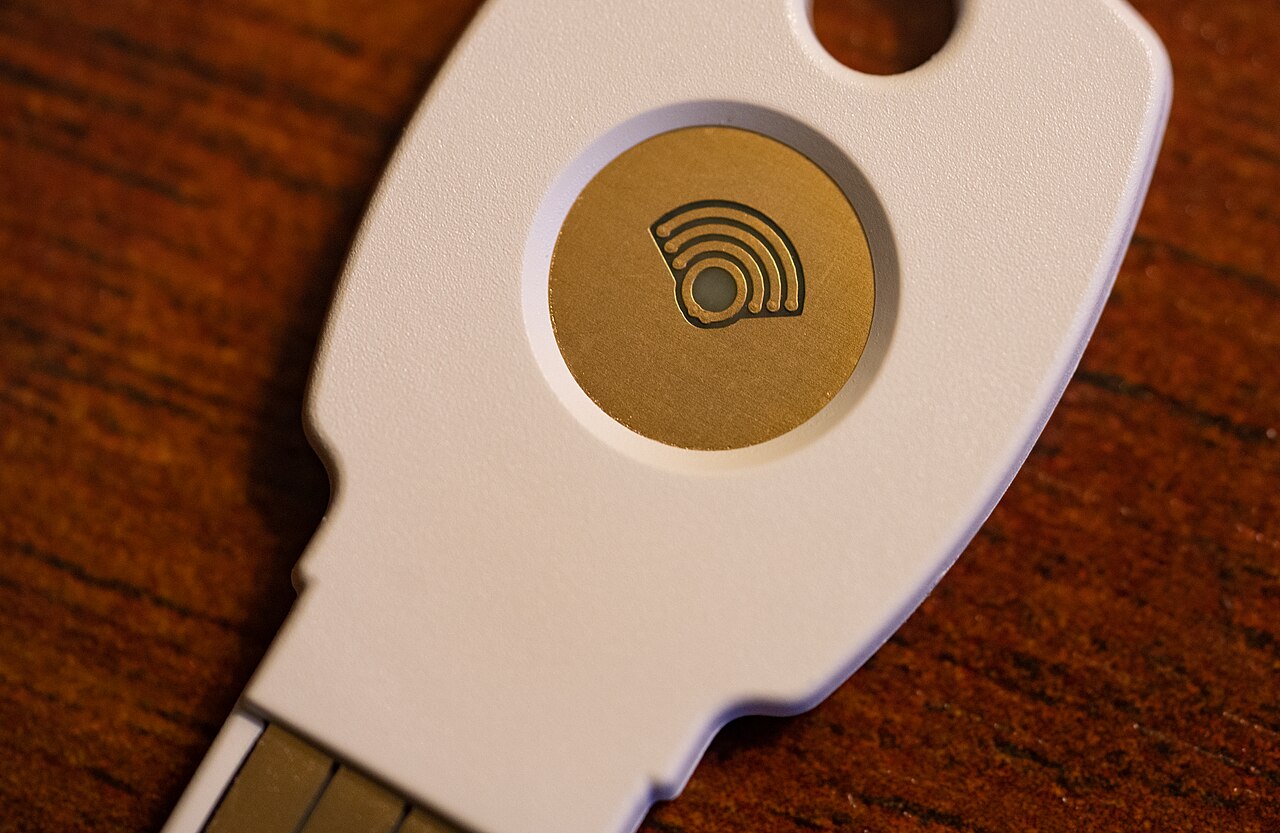
A passkey does not make your password stronger. It replaces the password itself with a cryptographic key pair that lives on your phone, computer, or a hardware security key. Apple, Google, Microsoft, and most major password managers already support them, and the security case is real. Switching over still means making a few decisions first, about where the keys live, how you would recover access, and which accounts are actually worth converting. Here is how to do it without locking yourself out.
What actually changes
According to the FIDO Alliance, the industry group behind the standard, a passkey lets you sign in using the same unlock method you already use for your device, a fingerprint, a face scan, or a PIN, instead of typing a shared secret. Behind that unlock, your device holds a private key that never leaves it, paired with a public key the website stores. When you sign in, the website sends a challenge that only your private key can answer; the two keys never travel together, and there is no shared secret sitting on a server for a breach to expose. Because a passkey is bound to the exact website domain it was created for, a convincing fake login page cannot use it. That is what makes passkeys resistant to phishing in a way a password, even a strong one, is not.
| Aspect | Password | Passkey |
|---|---|---|
| What you remember | The password itself | Nothing; your device unlock stands in for it |
| What a breach exposes | The password, or a hash of it | Only a public key, useless without the matching private key |
| Works on a convincing fake login page | Yes, if you are fooled | No; it is bound to the real domain |
| Where it lives | Your memory, or a password manager | Your device, synced through your device maker’s account or a password manager |
Where passkeys live, by platform
A passkey is only as convenient as the syncing system behind it, and the major platforms handle it differently.
Apple devices
On an iPhone, iPad, or Mac, passkeys are stored in iCloud Keychain, which Apple encrypts end-to-end, meaning Apple itself cannot read them. They sync automatically to your other Apple devices once iCloud Keychain is turned on, and using one to sign into a non-Apple computer works over Bluetooth proximity and a QR code, without installing anything. The trade-off shows up in recovery: iCloud Keychain requires two-factor authentication, and Apple’s own account recovery process allows only ten attempts before the recovery record is permanently destroyed. Losing your account access and your other Apple devices at the same time is the scenario that actually costs you your accounts.
Google and Android
Google syncs passkeys through your Google Account, so they follow you across Chrome and Android once created at your account’s sign-in settings. Some Android phones generate a device passkey automatically. You can also sign into a computer using your phone as the key, again over Bluetooth and a QR code. Google is direct about the trade-off this creates: anyone who can unlock your phone can get into your Google Account, even after you have signed out of it elsewhere, and a newly created passkey can take up to a week to become usable everywhere you sign in.
An independent password manager
If you split your time between Apple and Android, or you already keep everything in one password manager, tools such as Bitwarden can store passkeys instead of relying on either company’s syncing. That trades some convenience for portability, since passkeys export and import along with the rest of your vault, but current mobile support has real limits: Android does not let a third-party app supply a passkey for two-factor authentication, only for the main sign-in, and iOS allows only one passkey per saved login.
Before you convert an important account
A passkey is genuinely harder to phish than a password, but it does not remove risk, it moves it: from someone guessing or stealing your password, to you losing the device, or the account, the key lives on. Two things are worth doing first.
- Keep a password as a fallback until you have confirmed the passkey works from a second device. Most services still let you keep both.
- Check what the actual recovery path is, for the service and for whichever platform is storing the key, before you need it rather than after.
A sensible order to convert accounts
- Start with an account you sign into constantly and would notice immediately if something broke. Email is a reasonable first choice, since it is usually also your recovery route for everything else.
- Move on to accounts you already access from more than one device, so you can confirm the sync genuinely works before relying on it.
- Leave anything you access rarely, or from a shared or borrowed device, on a password for now. Passkeys assume the device asking to sign in is one you actually own.
None of this replaces having an actual plan for the rest of your digital life if a device is lost or a computer fails. Our guide to a practical backup strategy for the family computer covers the parts a passkey does not.
Sources and further reading
- FIDO Alliance: Passkeys
- FIDO Alliance: Global passkey adoption report, World Passkey Day 2026
- Google Account Help: Create and manage your passkeys
- Apple Support: About the security of passkeys
- Bitwarden Help: Storing passkeys

Oliver Hayes is the Consumer Technology Editor at The Adlroom Journal. He writes troubleshooting guides for the devices people already own, from home Wi-Fi to laptops.